Hotel Lobby Welcome Videos: What Works for Social
How hotels and hosts can use AI lobby videos as welcome and teaser content — what the format suits, what it does not, and how to post it.
 Hotel Lobby Editorial
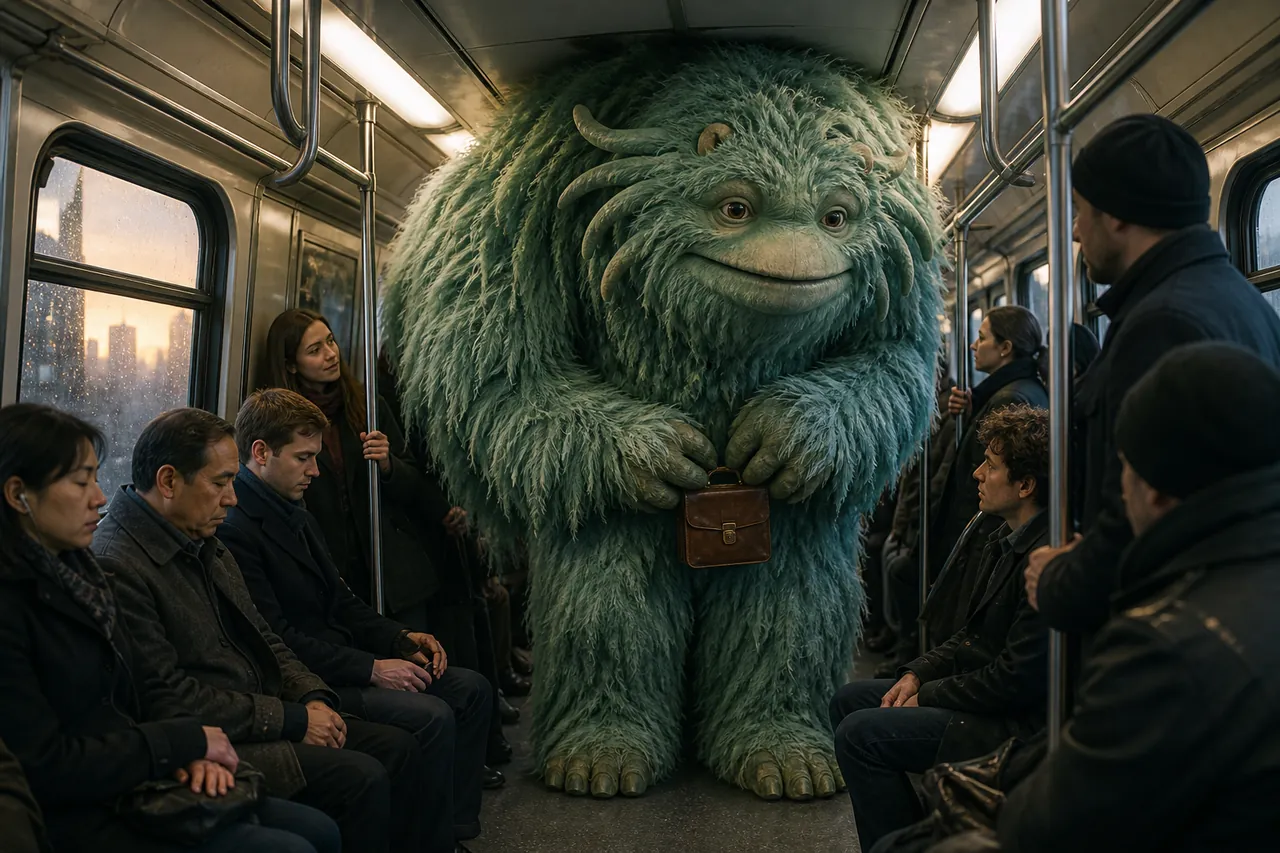
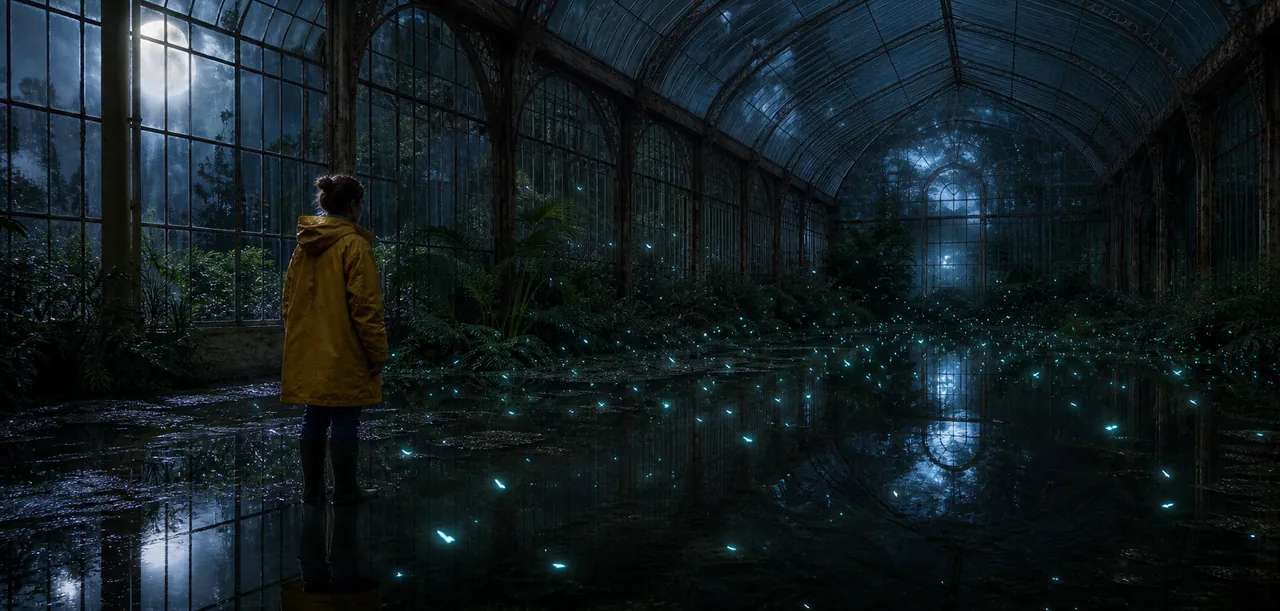
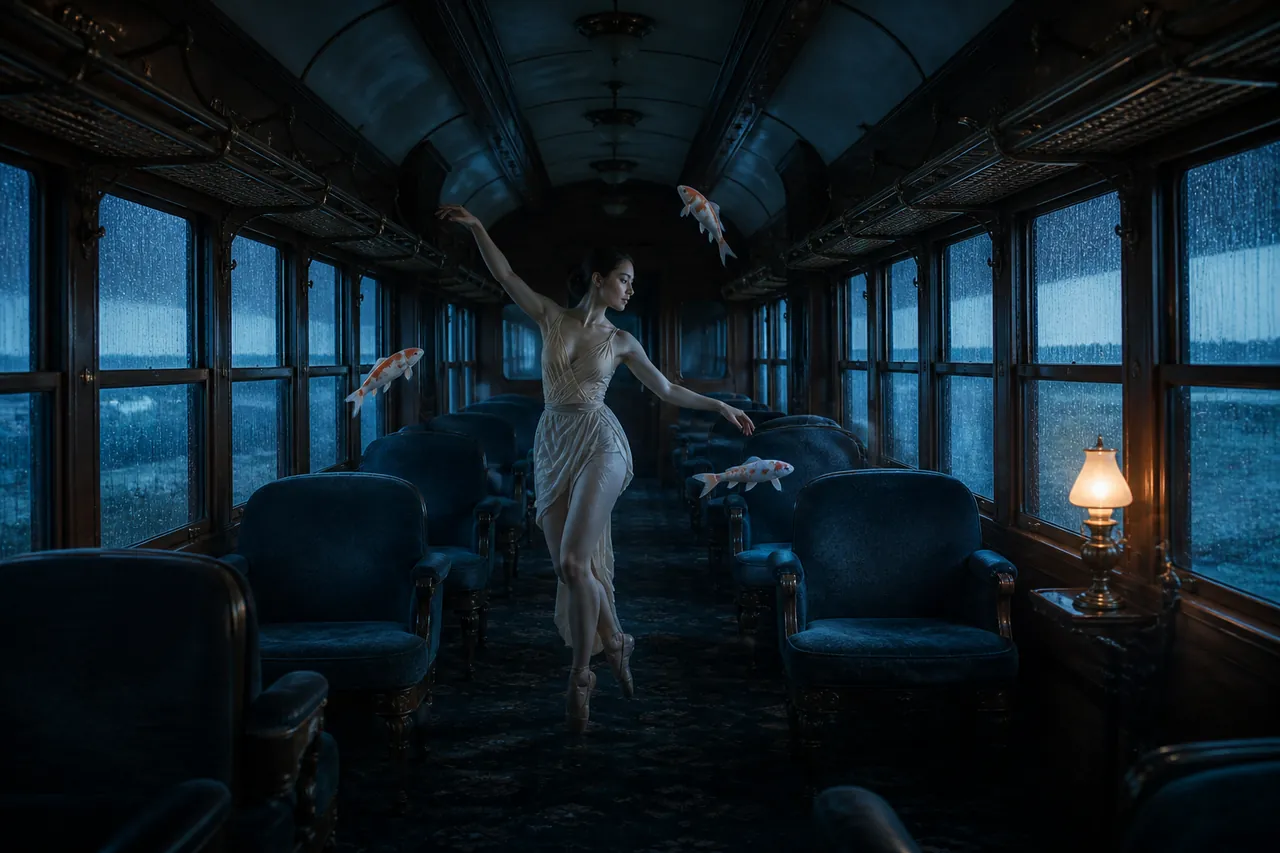
A welcome video is the first frame of a guest relationship, and most small properties cannot afford one. An AI lobby scene — real staff or founders inside a cinematic lobby, soundtrack included — covers the social end of that job for the cost of a few credits. Here is where it genuinely works and where it does not.
What does a welcome video need to do?
For social, a welcome video has three jobs: signal the property's atmosphere, show that real humans stand behind it, and stop the scroll. A 15-second lobby scene does all three — moving light, a grand space, and recognizable faces. The format also favors calm, confident motion, which happens to be exactly how hospitality brands want to feel.
Where does this format fit — and not fit?
It fits: Instagram and TikTok teasers, booking-page embeds, "meet the team" posts, anniversary or holiday greetings from the property, and launch announcements for new venues.
It does not fit: in-room signage loops that need custom text burned in, multilingual voiceover explainers, or exact documentation of your actual lobby. The scenes are original cinematic sets, not photographs of your property, and exports carry no custom text or logos — add those in an editor.
If your goal is "the feeling of arriving here," the format is strong. If your goal is "show room 204," use photos.
How do I make one for my property?
Use the standard photo workflow with faces your guests will recognize:
- One clear, front-facing photo each of the two people you want in the scene — the front-desk pair, the founders, the concierge and the bell captain. The photo guide is the checklist.
- Pick the scene whose mood matches your property — warm and classic versus modern and bright.
- Draft at 480p (20 credits), approve the staging, then export at 720p for social. The quality tiers and social export tips cover the rest.
How should I post it?
Upload natively to each platform — never cross-post with another platform's watermark. Add a one-line caption with a real detail from your property, since the video itself carries no text. Fifteen seconds loops well on booking pages and as a pinned post.
What does it cost a property to try?
One usable social video costs 65 credits (a 480p test plus a 720p final). There is no subscription and credits never expire, so a property can test the format across seasons for less than a single stock-video license.
Try a lobby scene with your team — open the generator. For concept pairings that photograph well, see lobby video ideas. New to lobby videos? What is hotel lobby AI explains the format in two minutes.
Frequently asked questions
Can I put my hotel name and logo on the video? Not inside the generated clip — add branding in any editor before posting. The export itself is clean.
Will it show my actual lobby? No. It shows an original cinematic lobby scene. Use it for atmosphere; pair it with real property photos in the same post.
Can my staff appear in the video? Yes, with their consent — that is exactly what the format is best at. One clear photo per person is all it takes.
Can I make one for every season? Yes — since drafts are 20 credits and credits never expire, seasonal variants are cheap to test.