AI Hotel Lobby Design: Using Video to Present a Lobby Concept
How designers and hotel marketers use AI lobby videos to present a design concept with people in it — what the format does well and what it cannot do.
 Hotel Lobby Editorial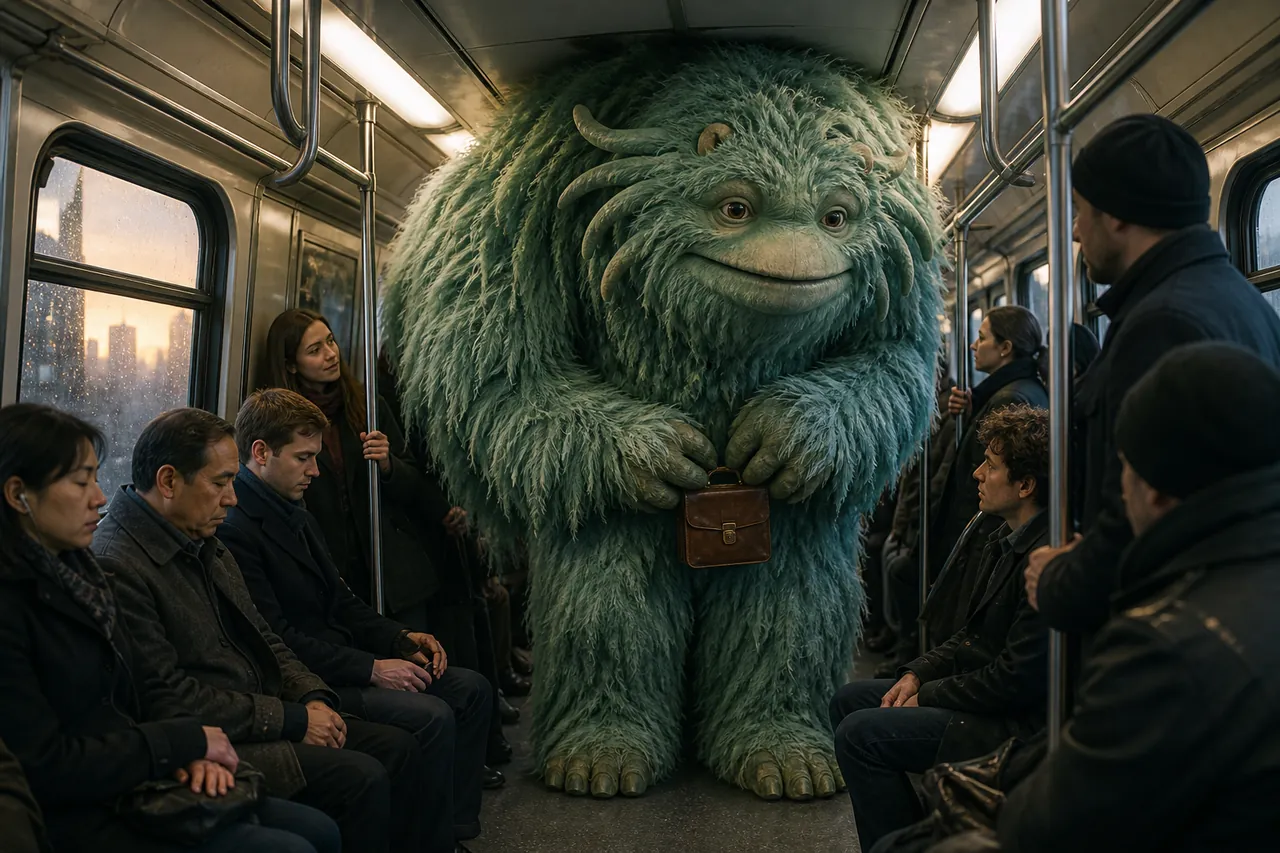
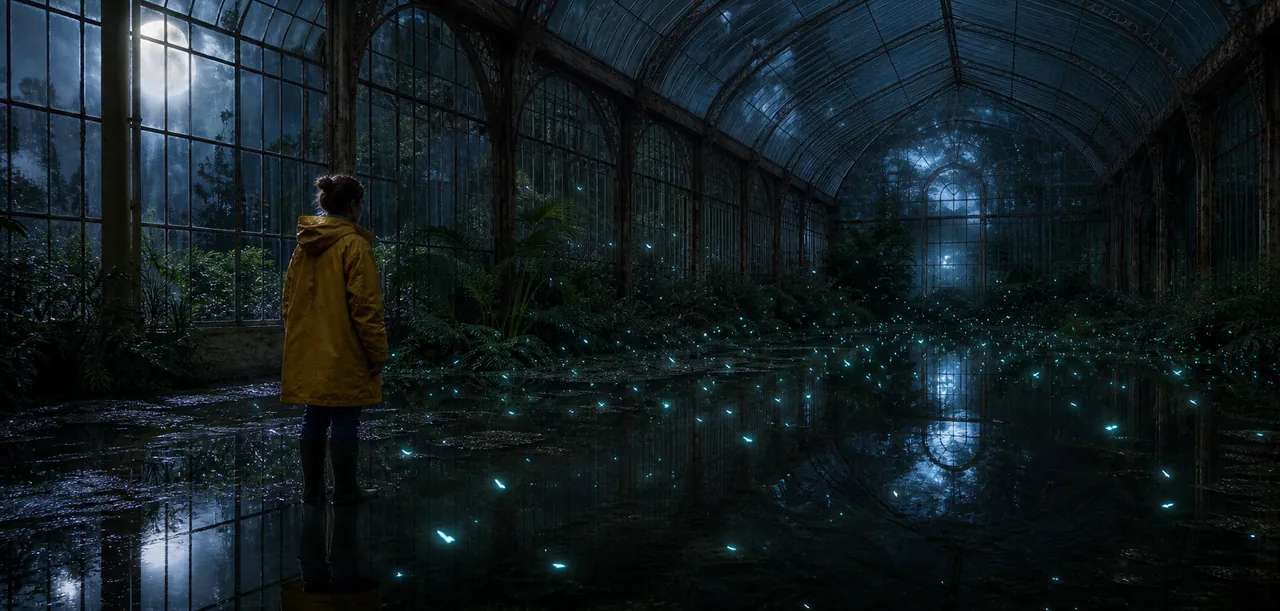
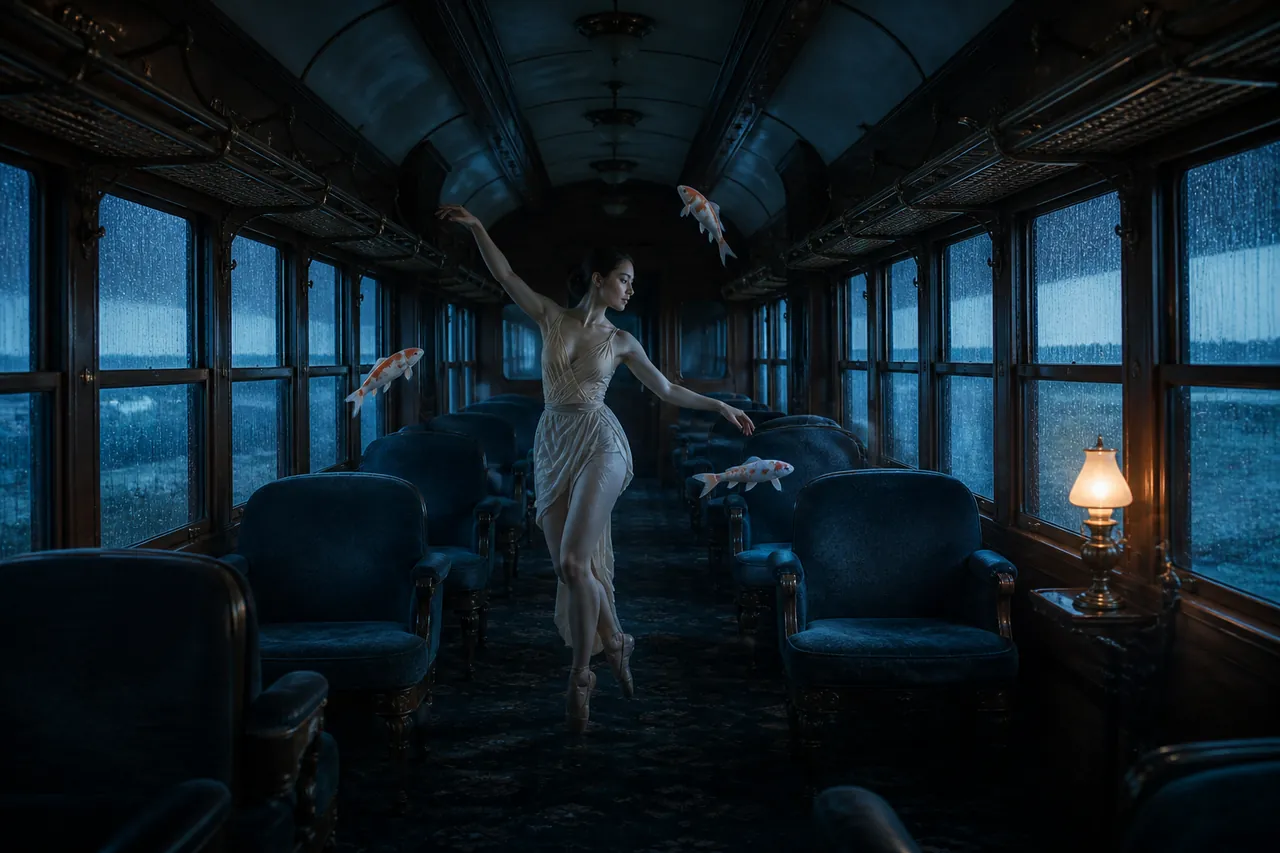
Interior designers usually present a hotel lobby as still renders — beautiful, but lifeless. A newer trick is winning pitches: a short AI video of the lobby scene with real people moving through it. This tool generates exactly that kind of clip, and it is worth understanding what it can and cannot do before you put it in front of a client.
What can an AI lobby video do for a design presentation?
Three things a render cannot:
- Scale. Two human figures in a space answer "how big is this lobby?" faster than any dimensioned drawing.
- Atmosphere in motion. Lighting, reflections and the mood of an evening lobby are different when they move and carry sound.
- Emotion. A render shows a room; a scene with two people arriving shows what the room is for.
Fifteen seconds is enough for all three, and it fits inside a pitch deck or a LinkedIn post without editing.
How do I generate a lobby scene with people in it?
The workflow is the photo workflow: one clear photo of each person you want in the scene, then pick the lobby scene whose lighting and mood match your concept, then draft at 480p. The step-by-step guide covers the process, and the photo rules decide whether the people look real.
For a presentation, put people your audience recognizes — the designer and the client, two team members — in the scene. Recognizable faces make the scale reading instant.
What can it not do?
Be clear about the limits before a client asks:
- It is not an architectural renderer. The lobby scenes are original, atmospheric sets — you cannot upload your own SketchUp model and get your exact design back.
- No custom text or logos. Exports carry the scene as generated; title cards and branding are added in your editor afterward.
- Fixed 15-second performances. You are choosing a scene, not directing every gesture.
Honest positioning: use it to sell the feeling of a lobby concept, not to document one.
What is a practical workflow for a pitch?
Draft two or three scene options at 480p the day before the pitch (60 credits total), pick the one whose mood matches your boards, then export the final at 1080p (80 credits) for the deck. Total cost of a moving, atmospheric lobby scene for a client presentation: 140 credits, no crew, no location fee. Credits never expire, so the test drafts stay cheap forever.
See whether it fits your next presentation — open the generator, or browse lobby video concepts for scene pairings that work. New to the format? What is hotel lobby AI breaks down the formula in two minutes.
Frequently asked questions
Can I upload my own lobby render as the background? No. The scenes are original generated sets. The people come from your photos; the room does not.
Will the people look like the people in my photos? Close, with the usual identity caveats — sharp front-facing photos hold best. See the drift guide.
Can I use the video in a paid client deliverable? Yes. Generated videos are yours to use commercially; you are responsible for the subjects' consent.
Is 15 seconds long enough for a pitch? For atmosphere and scale, easily. Treat it as a moving hero image, not a walkthrough.